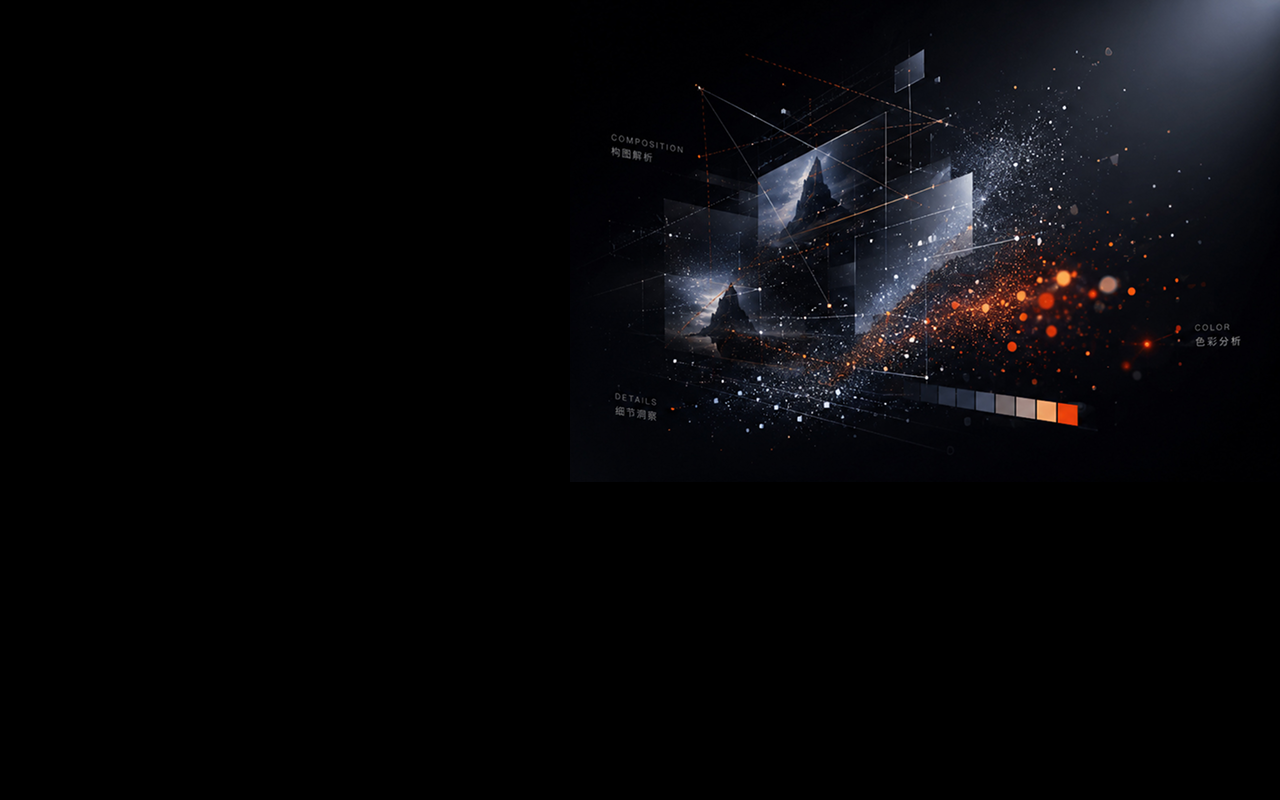
Hover
Move across any image and ImgX surfaces a single, calm prompt button.
 ImgX
ImgX
Hover any image. ImgX reads its visual grammar and turns it into bilingual prompts for Midjourney, Stable Diffusion, DALL·E, and any modern image model.
Real extension UI
ImgX injects a lightweight floating interface into the page: a hover bubble, a live queue, and a result card with Chinese, English, and JSON views.
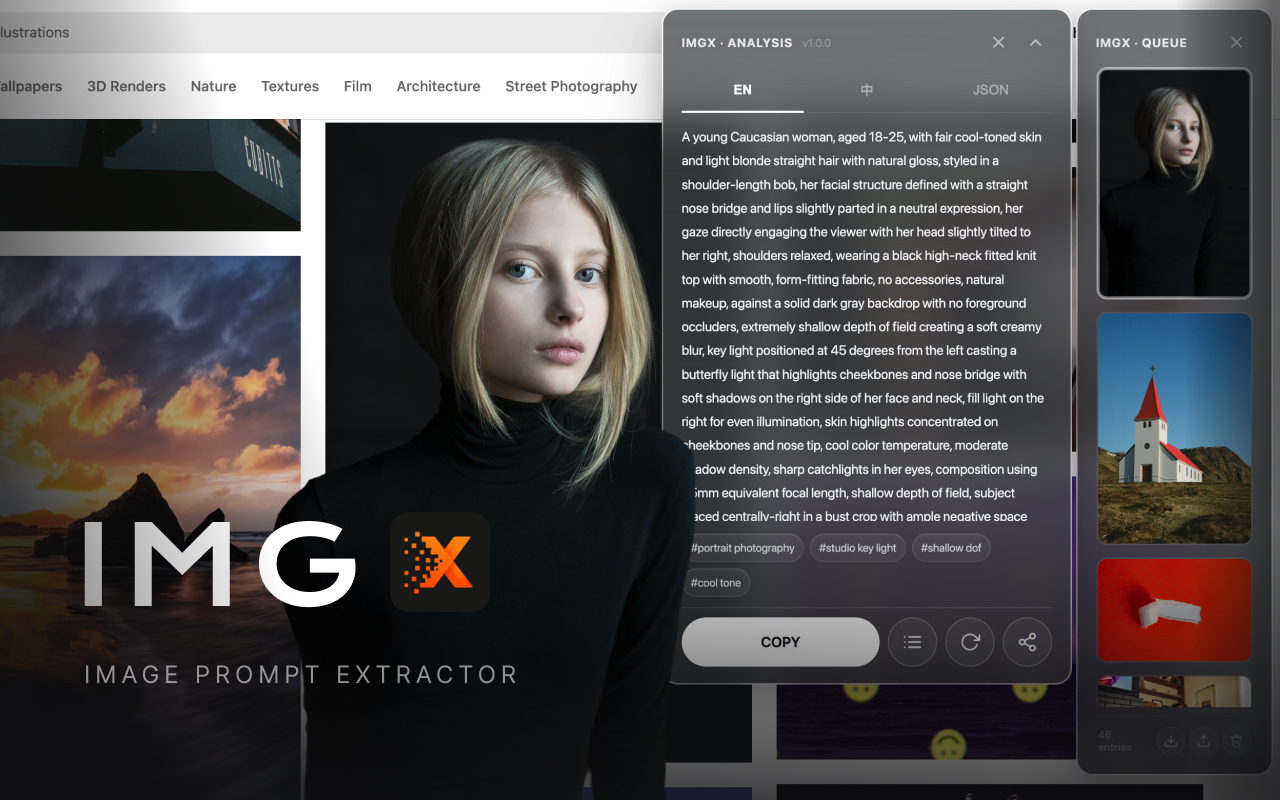
Three-second flow
Move across any image and ImgX surfaces a single, calm prompt button.
The classifier picks the right visual template before your VL model reads the image.
Copy bilingual prompts, inspect JSON, export a share card, or recall history without another API call.
Built for prompt quality
ImgX asks the model for composition, lighting, spatial layers, material cues, color structure, style tags, and negative prompts. It also guards against invented cameras, artists, brands, and IP names.
Chinese natural paragraph plus English prompt paragraph, tuned for creator workflows.
Click multiple images and let the background engine process them with retries and rate-limit awareness.
Export a polished 1080px prompt card directly from the result panel.
Analyzed images can restore previous results instantly with zero extra model cost.
Auto-routed intelligence
A product hero shot should not be decoded like an anime illustration or a mobile UI. ImgX routes each image to the right expert prompt before generation.
Fallback coverage for all visual dimensions.
Lighting type, expression, gaze, focal feel.
Time of day and foreground, midground, background.
Materials, interior space, perspective discipline.
Commercial lighting, background, shadow treatment.
Platform, grid, design language, component list.
Style taxonomy, palette, line handling.
Type hierarchy, grid, contrast, whitespace.
Privacy by design
ImgX has no intermediary server. Your API key stays in local browser storage and image data is sent only to the OpenAI-compatible endpoint you configure.
Start in minutes